Last updated: October 24, 2026. Meagle 360 publishes this page and builds HR software, so the examples use our product. The advice applies to any HRMS or tool.
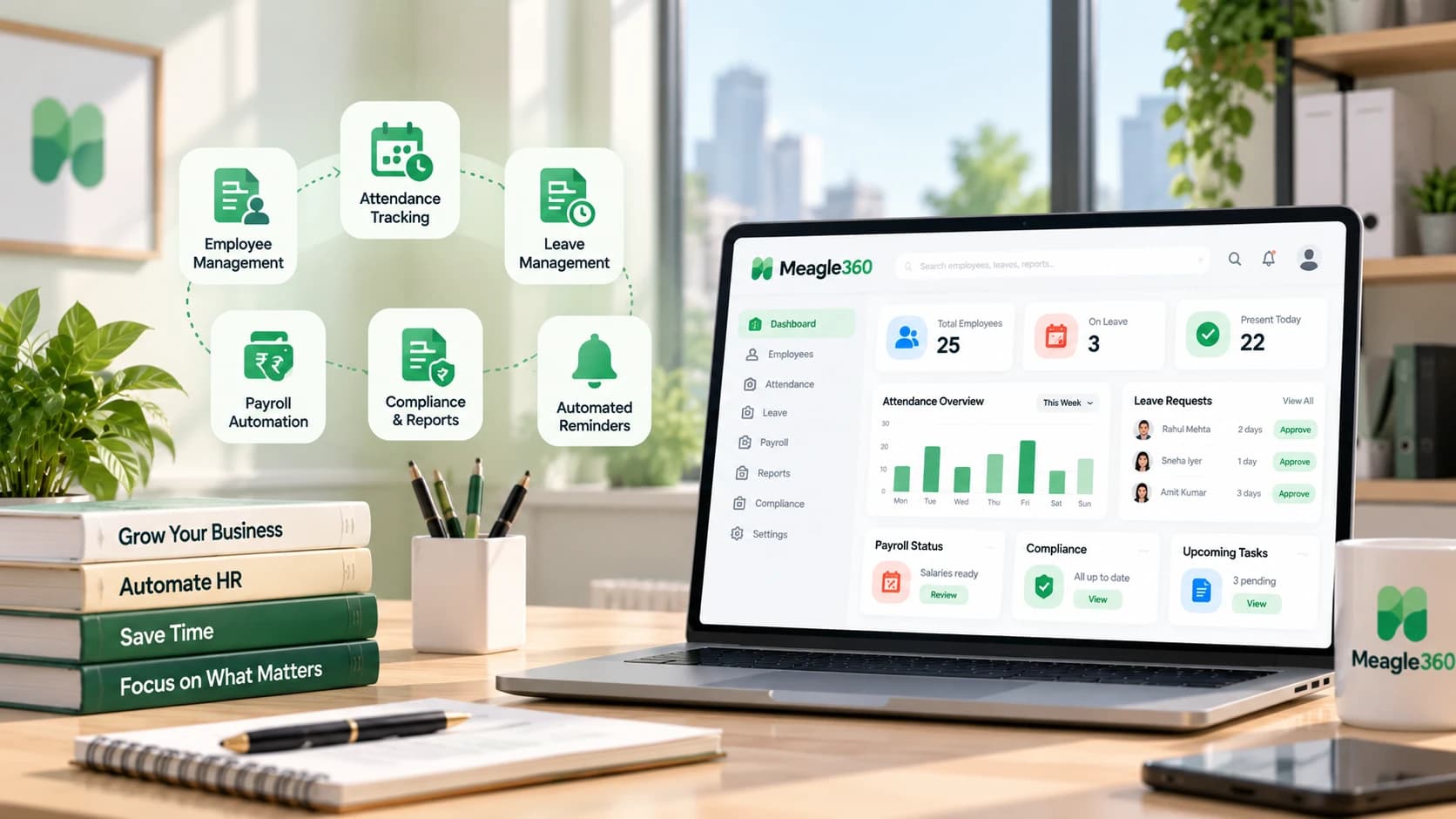
HR automation means letting software handle repetitive HR work, such as attendance, leave approvals, payroll, payslips and reports, instead of doing it in spreadsheets and chat messages. For a small business the biggest wins come from automating three things first: attendance, leave and payroll.
You do not need a big HR team or an AI project to automate HR. You need to know which tasks cost you the most time and which are easiest to hand over. Here are 12, in the order most small businesses should tackle them.
Quick View: The 12 Tasks at a Glance
| # | Task | Effort to automate | Payoff |
|---|---|---|---|
| 1 | Attendance capture | Low | High |
| 2 | Leave requests and approvals | Low | High |
| 3 | Leave balance tracking | Low | High |
| 4 | Payroll calculation | Medium | Very high |
| 5 | PF, ESI and TDS deductions | Medium | Very high |
| 6 | Payslip generation and delivery | Low | High |
| 7 | New joiner documents and onboarding | Medium | Medium |
| 8 | Employee records and org chart | Low | Medium |
| 9 | Shift scheduling | Medium | Medium to high (if you run shifts) |
| 10 | Expense claims and reimbursements | Low | Medium |
| 11 | Hiring pipeline tracking | Medium | Medium |
| 12 | HR reports and headcount numbers | Low | Medium |
1. Attendance Capture
By hand: attendance from registers, WhatsApp messages, biometric exports or a shared sheet, merged at month-end.
Automated: employees check in from a phone or device, with location where needed, and the data flows straight into leave and payroll.
Look for: shift support, late and half-day rules, field and remote staff support.
2. Leave Requests and Approvals
By hand: requests by call or message, a manager says yes, HR updates a sheet.
Automated: employee applies in the app, the manager gets the request, approval updates the balance and the calendar.
Look for: your own leave rules (casual, sick, earned, sandwich), approval chains, holiday calendar.
3. Leave Balance Tracking
By hand: a column in a sheet that someone forgets to update, followed by arguments at appraisal time.
Automated: balances update on every approval and accrual rule, and employees see their own balance.
Look for: accrual rules, carry-forward and encashment rules. See our leave policy guide.
4. Payroll Calculation
By hand: formulas in a salary sheet, rechecked every month, with every exception (half-days, advances, new joiners, exits) fixed manually.
Automated: payroll runs from attendance and leave data, so the salary reflects what actually happened that month.
Look for: attendance-linked payroll, arrears, advances, full and final settlement.
5. PF, ESI and TDS Deductions
By hand: looking up rates and ceilings, calculating each employee separately, and hoping nothing changed since last month.
Automated: statutory deductions are calculated for every employee as part of the payroll run, and reports are ready for filing.
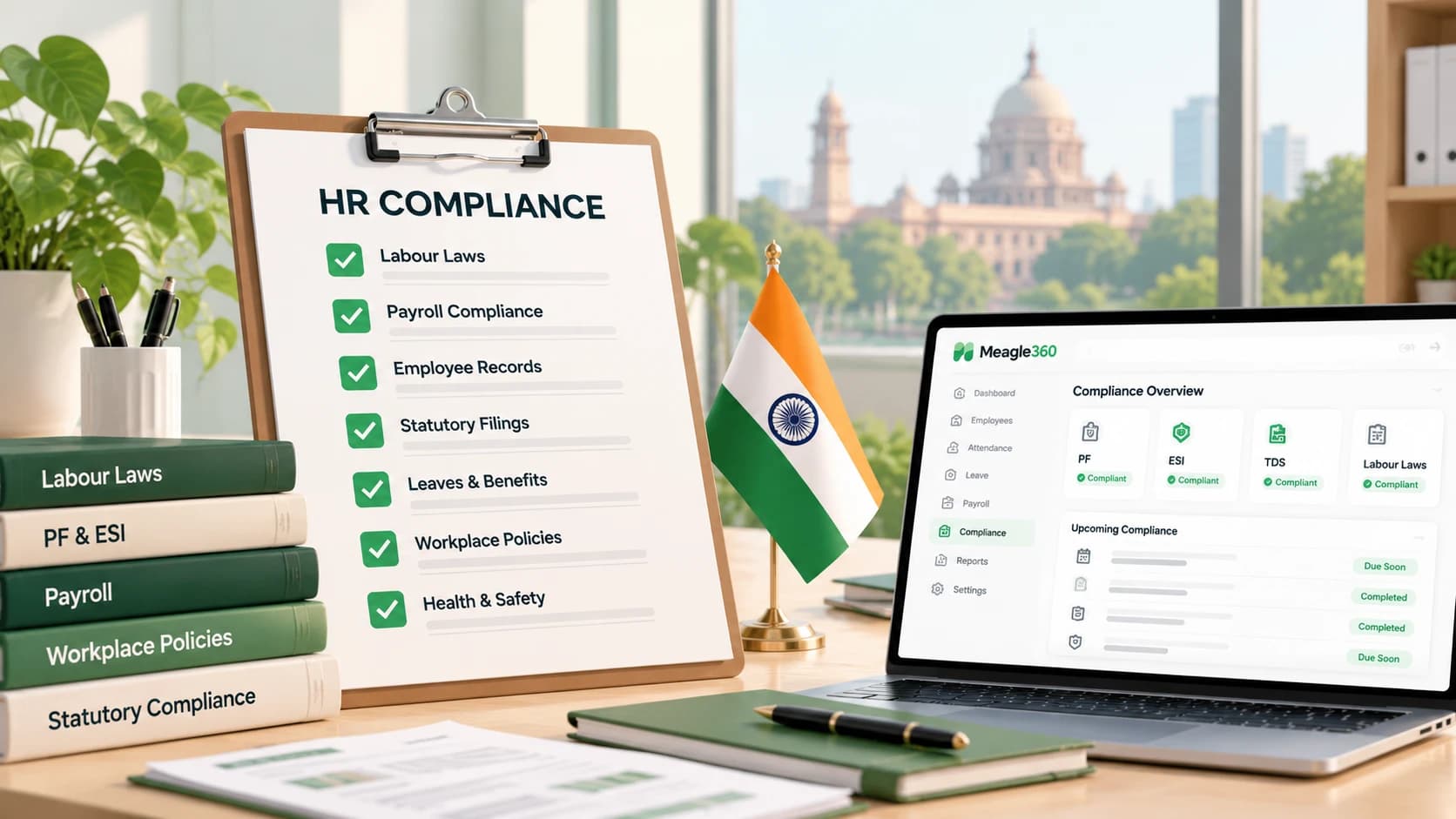
Look for: PF, ESI, TDS and professional tax support for your state. See our HR compliance checklist.
6. Payslip Generation and Delivery
By hand: one payslip per employee, exported and emailed or WhatsApped, then re-sent when someone loses it.
Automated: payslips are generated with the payroll run and employees download them anytime from their login.
Look for: employee self-service. Need a format first? See our salary slip format guide and free payslip generator.
Want to see attendance, leave and payroll connected end to end? See how Meagle 360 works
7. New Joiner Documents and Onboarding
By hand: a chat thread to collect documents, a checklist on paper, and a reminder in your head.
Automated: a fixed onboarding checklist per new joiner, with documents stored against the employee record.
Look for: document upload, a document-status view, joining forms. Use our onboarding checklist to start.
8. Employee Records and Org Chart
By hand: several versions of an employee sheet, each slightly different.
Automated: one employee record that HR, managers and payroll all use, with an org chart generated from reporting lines.
Look for: role-based access so people only see what they should. See employee database software and our free employee database template.
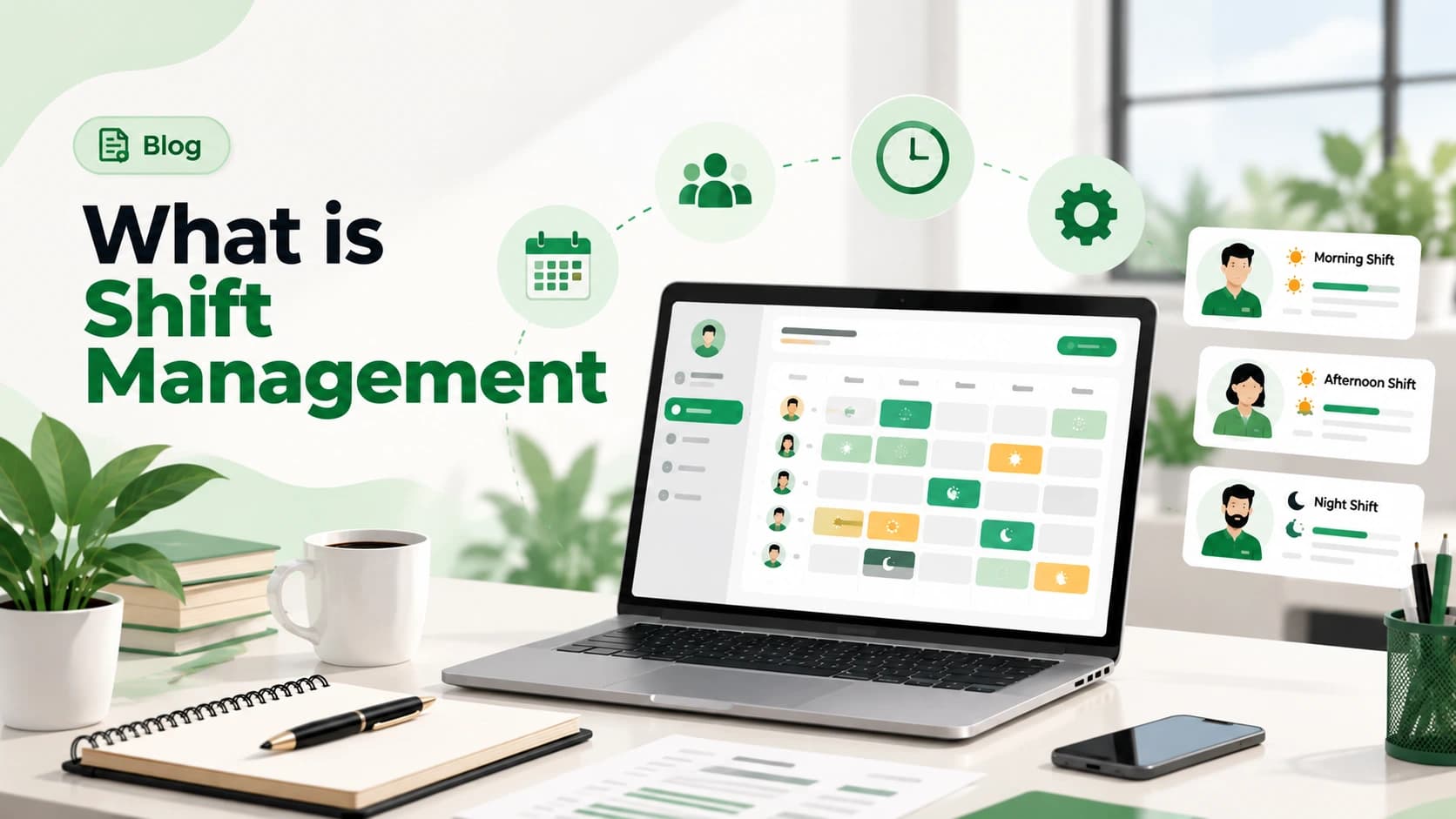
9. Shift Scheduling
By hand: a roster built in a sheet or on a whiteboard, changed by phone calls.
Automated: shifts are assigned in one place, changes are visible to everyone, and attendance matches the assigned shift.
Look for: rotating shifts, swaps, and shift-linked allowances. See shift management software.
10. Expense Claims and Reimbursements
By hand: bills photographed on WhatsApp, a sheet to track them, and a delayed reimbursement.
Automated: employees submit a claim with the bill, the manager approves, and approved amounts go into payroll.
Look for: approval limits and category rules. See expense management.
11. Hiring Pipeline Tracking
By hand: resumes in an inbox, interview feedback in different chats, and no clear view of who is at which stage.
Automated: one pipeline from job post to offer to onboarding, with every candidate at a visible stage.
Look for: a simple pipeline, not an enterprise tool you will never configure. See hiring management software.
12. HR Reports and Headcount Numbers
By hand: rebuilding the same headcount, attendance and leave sheet every month for the founder.
Automated: reports pulled from live data, ready when someone asks.
Look for: headcount by department, attendance and leave summaries, joiners and leavers. See HR reports and analytics.
What You Should Not Automate
Automation is for repetitive, rule-based work. Keep people in charge of:
- Hiring decisions and interviews
- Performance conversations and appraisals (software can collect the form, not have the conversation)
- Disciplinary action, terminations and grievances
- Anything where an employee needs to be heard, not processed
A good rule: automate the process, not the judgement.
How to Start in 30 Days
| Week | What to do |
|---|---|
| 1 | List your HR tasks and note how many hours each takes in a month. Pick the top three. |
| 2 | Clean your employee data (one ID per person, correct dates and details). |
| 3 | Set up attendance and leave first, since payroll depends on them. |
| 4 | Run payroll in parallel with your old method for one month, compare, and fix differences. |
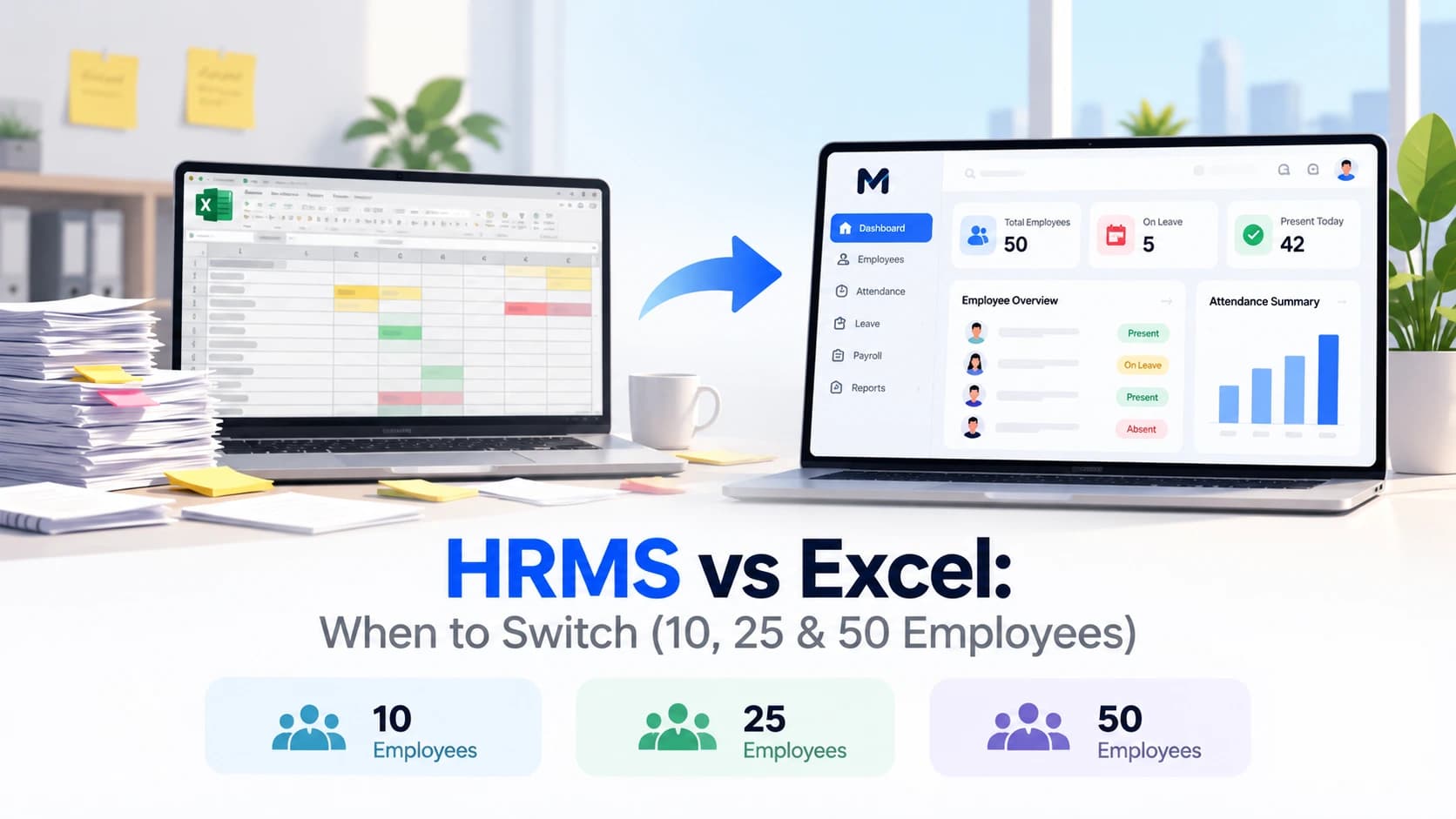
Not sure if you are ready to leave spreadsheets? Read HRMS vs Excel: when to switch.
How to Choose HR Automation Software
Ask these before you buy:
- Does attendance flow into leave and payroll without re-entry?
- Does payroll handle PF, ESI, TDS and professional tax for my state?
- Can employees get payslips and apply for leave themselves?
- Can I set my own leave and attendance rules?
- Can I be live in days, or does it need weeks of setup?
- Is the price clear per employee, and does it include payroll?
- Can I export my data if I leave?
Compare tools using the same list. See our guide to the best HRMS software in India.
Stop merging attendance sheets and rechecking payroll every month. Meagle 360 automates attendance, leave, payroll and employee self-service in one place, at a flat ₹149 per user per month. Book a free demo