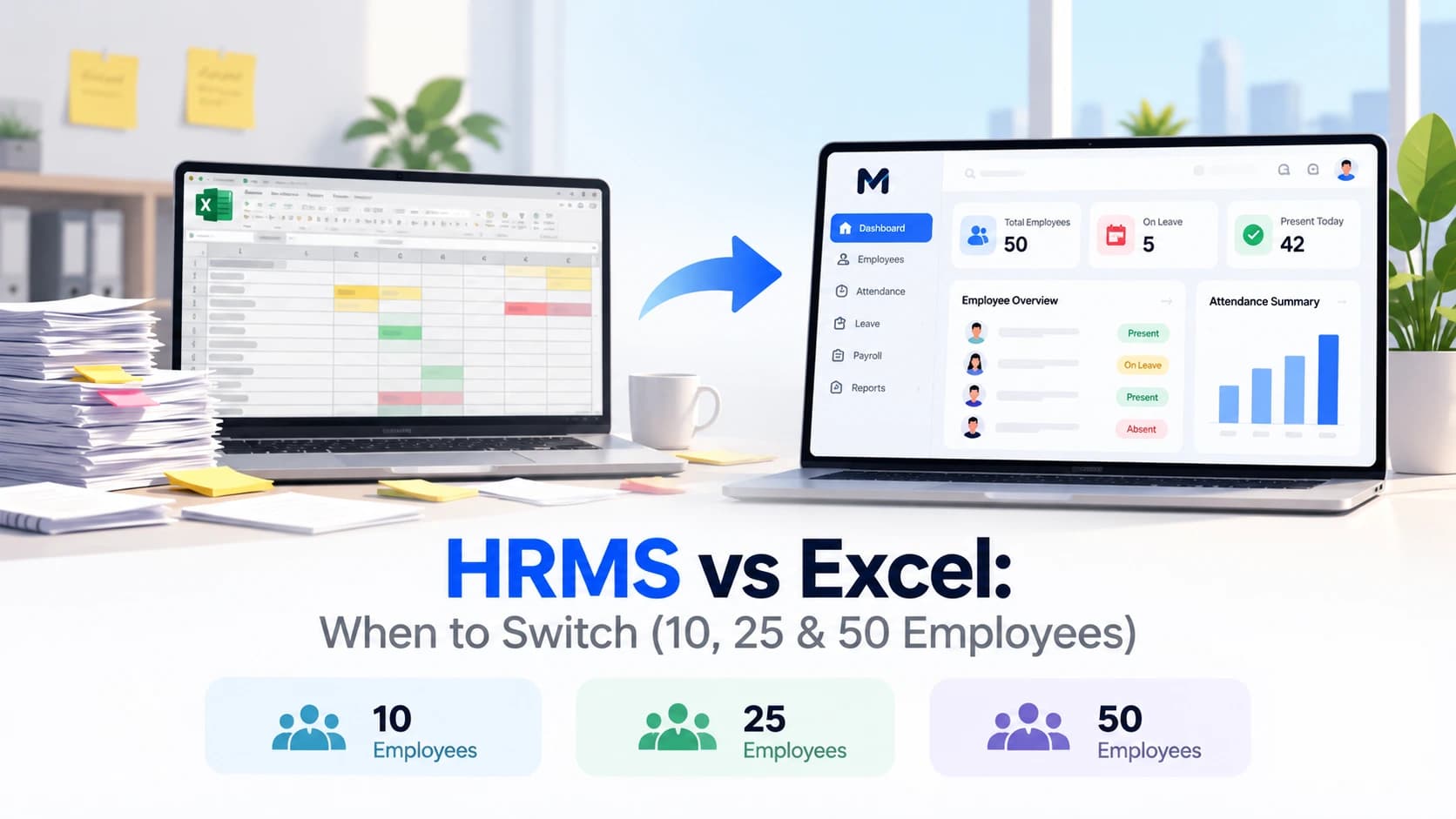
Excel is fine for HR until about 10 employees. Between 10 and 25 employees it starts breaking (attendance, leave, payroll and compliance errors). By 50 employees, most teams are losing days every month to manual work and should switch to an HRMS.
That is a rule of thumb, not a law. The real trigger is not headcount alone. It is how many things you track, how many people touch the file, and how costly a mistake is. This guide shows what actually breaks at each stage so you can decide with facts.
Quick Answer: What Breaks at Each Stage
| Team size | What Excel handles | What starts to break | Verdict |
|---|---|---|---|
| Up to 10 employees | Employee list, basic attendance, simple payroll | Little, if one person owns the file | Excel is fine, but start good habits now |
| 10 to 25 employees | Employee list | Attendance consolidation, leave balances, payroll errors, document tracking, version confusion | Switch soon. Plan it this quarter |
| 25 to 50 employees | Almost nothing reliably | Compliance deadlines, multiple files, no audit trail, no employee self-service, slow month-end | Switch now |
| 50+ employees | Nothing | Everything above, plus reporting and access control | Spreadsheets become a business risk |
At 10 Employees: Excel Still Works (With Conditions)
For a team of around 10, a well-built spreadsheet can work. You can keep an employee master sheet, a monthly attendance sheet, a leave tracker and a payroll calculation sheet without much pain.
Excel is still fine at this size if:
- One person owns the file and nobody else edits it
- Everyone works from one location, with simple fixed working hours
- Salaries are mostly fixed, with few allowances, advances or overtime cases
- You keep a backup and a password on the file
What to do now: use a structured template instead of a random sheet. A free employee database template with dropdowns and a document tracker avoids most early mistakes.
Watch out: under current Indian rules, several obligations start around this size. ESI generally applies to establishments with 10 or more employees (wage ceiling applies), and gratuity applies at 10 or more employees. Check exact applicability for your state and industry.
At 25 Employees: The Breaking Point
This is where most small businesses feel the pain. Between 20 and 25 employees, three things happen together:
- Compliance gets real. EPF generally applies at 20 or more employees, and statutory bonus also applies at 20 or more employees. Professional tax depends on your state. Monthly PF, ESI and TDS deadlines now carry penalties.
- More people touch the data. Managers send attendance, HR updates leave, accounts runs salary. Multiple versions of the same file appear (
attendance_final_v3_NEW.xlsx). - Exceptions multiply. Half-days, late marks, overtime, loans, new joiners with partial months, exits with full and final settlement.
Excel does not stop mistakes. It only records them. One wrong formula copied down a column, or one row accidentally sorted without its neighbours, can pay 25 people incorrectly before anyone notices.
Most teams should plan the switch at this stage, ideally before the next appraisal or hiring wave.
At 50 Employees: Switch Now
By 50 employees, an HR team using Excel typically faces:
- Payroll that takes several days every month instead of hours
- Attendance coming from multiple sources (biometric, WhatsApp, registers, field staff) that must be merged by hand
- No clear record of who changed what, which becomes a problem in audits or disputes
- Employees constantly asking HR for payslips, leave balance and documents
- No dashboard for attrition, headcount by department, or pending documents without building it manually
At this size the question is no longer "should we switch", but "how soon can we switch with the least disruption".
7 Signs You Have Outgrown Excel
Tick how many apply to you:
- Payroll takes more than a day to prepare, or you recheck it more than once
- You have found a payroll or leave balance error after salary was paid
- More than one person edits the HR file, or you have multiple "final" versions
- Employees ask HR for payslips, leave balance or letters every week
- You track attendance in one place, leave in another, and salary in a third
- You have missed or nearly missed a PF, ESI or TDS deadline
- You cannot quickly answer "how many people joined, left or are on probation this month"
- 0 to 1 signs: Excel is still working
- 2 to 3 signs: start evaluating HRMS options
- 4 or more signs: switch as soon as you can
The Real Cost of Staying on Excel
Spreadsheets look free. They are not. The cost is HR time and mistakes.
Here is a simple worked example for a 25-person team. These hour figures are assumptions for illustration. Replace them with your own numbers.
| Monthly task in Excel | Assumed hours |
|---|---|
| Merging attendance from different sources | 8 |
| Updating leave balances and answering leave queries | 4 |
| Preparing and rechecking payroll and payslips | 14 |
| Chasing and tracking employee documents | 3 |
| Fixing errors and re-issuing corrected payslips | 3 |
| Total | 32 hours per month |
Assume the HR or accounts person's time costs ₹300 per hour (adjust to your actual cost).
32 hours × ₹300 = ₹9,600 per month, or about ₹1.15 lakh per year, before counting the cost of one wrong payment, a late-filing penalty, or an unhappy employee.
Compare that figure with the per-employee monthly fee of an HRMS for your team size. For many small teams the software costs less than the hours it saves, and it removes the error risk.
Want to see how much time your team could save? Book a 14-day free demo of Meagle 360
Excel vs HRMS: Side by Side
| Area | Excel | HRMS |
|---|---|---|
| Employee records | Manual, easy to duplicate or lose | One central database with role-based access |
| Attendance | Manual entry or merged from many sources | Check-in, geo-location and shift based, synced to payroll |
| Leave | Manual balances, formula-dependent | Policy-based balances, approvals and history |
| Payroll | Formulas you maintain and check | Automated calculation, payslips and statutory deductions |
| Compliance | You track deadlines yourself | Reports and reminders built in |
| Employee self-service | None. HR answers every request | Employees see payslips, leave and documents themselves |
| Audit trail | None or very limited | Records who changed what and when |
| Access control | Whoever has the file sees everything | Each role sees only what it should |
| Reporting | Build every report manually | Dashboards for headcount, attrition, attendance and leave |
| Scaling | Slower and riskier as you grow | Add employees without extra work |
| Upfront cost | Free (but costs time) | Monthly subscription |
When Excel Is Still the Right Choice
Be honest about this. Stay on Excel if:
- You have fewer than 10 employees and one trusted person manages HR
- Your payroll is simple and rarely changes
- You are not yet covered by PF, ESI or similar compliance
- You are pre-revenue or very early and every rupee matters
Even then, use a clean, structured template, protect the file, and keep backups.
How to Switch From Excel to an HRMS Without Chaos
- Clean your data first. Remove duplicates, fix date formats, make sure every employee has a unique ID.
- List what you need. Attendance, leave, payroll, documents, self-service. Pick must-haves and nice-to-haves.
- Shortlist 2 or 3 tools. Check pricing, support in your city or language, and whether payroll covers Indian statutory deductions.
- Ask for a demo with your own data. A tool that looks great with sample data can behave differently with your real salary structure.
- Run one payroll cycle in parallel. Compare the HRMS result with your Excel result. Fix differences before going live.
- Train managers and employees. A 30-minute walkthrough prevents most support questions.
- Archive the old files. Keep a secure backup, then retire the spreadsheets so nobody edits them by mistake.
Free Templates While You Are Still on Excel
If you are not ready to switch yet, these help you stay organised:
- Free Employee Database Template (Excel and Google Sheets)
- Attendance sheet template
- Leave balance tracker template
- Payslip / salary sheet template
- Employee onboarding checklist
Using a structured template also makes migration to an HRMS much easier later, because your data is already clean.
How to Choose an HRMS for a Small Business
Keep it simple. Look for:
- Indian payroll compliance: PF, ESI, TDS and professional tax handled correctly
- Attendance that fits your team: office, remote or field employees
- Employee self-service: payslips, leave and documents without HR involvement
- Fair pricing: a clear per-employee price without hidden setup fees (see our guide on payroll software pricing in India)
- Easy onboarding: you should be live in days, not months
Spending days every month on attendance, leave and payroll sheets? Meagle 360 puts employee records, attendance, leave, payroll and self-service in one place, so your team stops chasing spreadsheets. Book a free demo