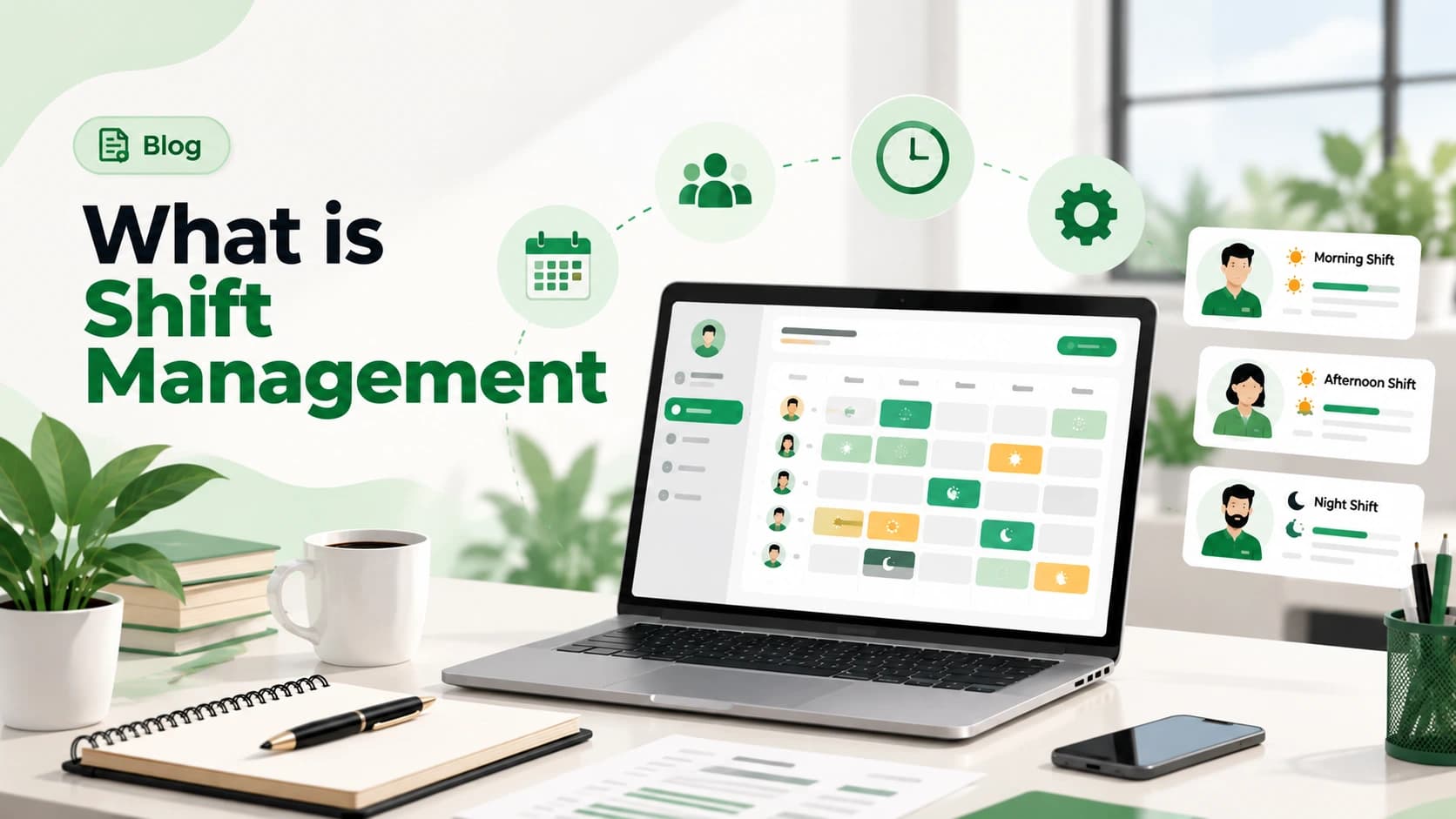
Shift management is the process of building work schedules across multiple time slots, assigning employees to specific shifts, and handling the inevitable swaps, no-shows, and last-minute changes, so coverage never depends on someone's memory of who's supposed to be there. This isn't relevant to every startup. If your whole team works 9-to-6 at the same desk, you can skip this one. If you're running support, retail, delivery, or any operation that needs coverage across different hours, this becomes a real problem faster than people expect.
What Shift Management Actually Covers
Four parts, every time:
- Scheduling — building the roster, who works which shift, on which day
- Assignment visibility — making sure every employee actually knows their upcoming shifts, not just the person who built the schedule
- Swaps and coverage — handling the reality that people get sick, have conflicts, and need to trade shifts
- Tracking against attendance — confirming the person scheduled is the person who actually showed up, and flagging when they don't match
Miss any of these and you don't have shift management, you have a schedule that exists until the first real-world complication hits it.
Why This Breaks Down Faster Than People Expect
A spreadsheet or a shared calendar handles shift scheduling fine, right up until:
- Two people get assigned the same shift by accident, because the spreadsheet wasn't updated in both places someone was checking
- A shift swap happens over text between two employees, and the manager finds out after the fact, or not at all
- Nobody has a clean way to see who was actually scheduled on a day something went wrong, which matters a lot more than it sounds like until it happens
- Coverage gaps show up with no warning, because nobody was tracking who'd already swapped out of three shifts that week
Unlike a 9-to-5 team, shift-based operations don't get a grace period when scheduling breaks. A missed shift at a support desk or a delivery hub is an immediate, visible problem, not a quiet inconvenience.
The Three Approaches, Honestly Ranked
1. The shared calendar or spreadsheet (works until the first swap)
Fine for a small, stable team with few changes. Falls apart the moment swaps, last-minute sick days, or multiple managers editing the same schedule enter the picture.
2. The group chat method (feels fast, creates blind spots)
Shifts get traded in a WhatsApp or Slack thread. Works in the moment, but there's no single source of truth, so two weeks later nobody can say definitively who was scheduled when.
3. An actual shift management system (unglamorous, but it holds up)
Schedules are built once, employees see their shifts directly, swaps go through an approval step instead of a side conversation, and the final record of who was actually scheduled stays accurate, including for the inevitable day something needs to be looked back on. Our shift management system is built around exactly this.
When to Actually Fix This
A rough signal: if your operation runs more than one shift pattern, or if a shift swap has ever caused a coverage gap nobody caught in time, the informal approach has already started costing you more than the "simplicity" of a spreadsheet is worth. This isn't about team size the way attendance and leave are, it's about whether your operation depends on specific people being in specific places at specific times.
Shift scheduling and attendance tracking go hand in hand, see our companion piece, Attendance Management 101, for the other half. If your team also earns a shift allowance, our guide on shift allowance in India covers how that's typically taxed and paid.
Still tracking shift swaps through a group chat and hoping nothing falls through? Meagle 360 keeps scheduling, swaps, and coverage in one accurate system. Book a free demo →