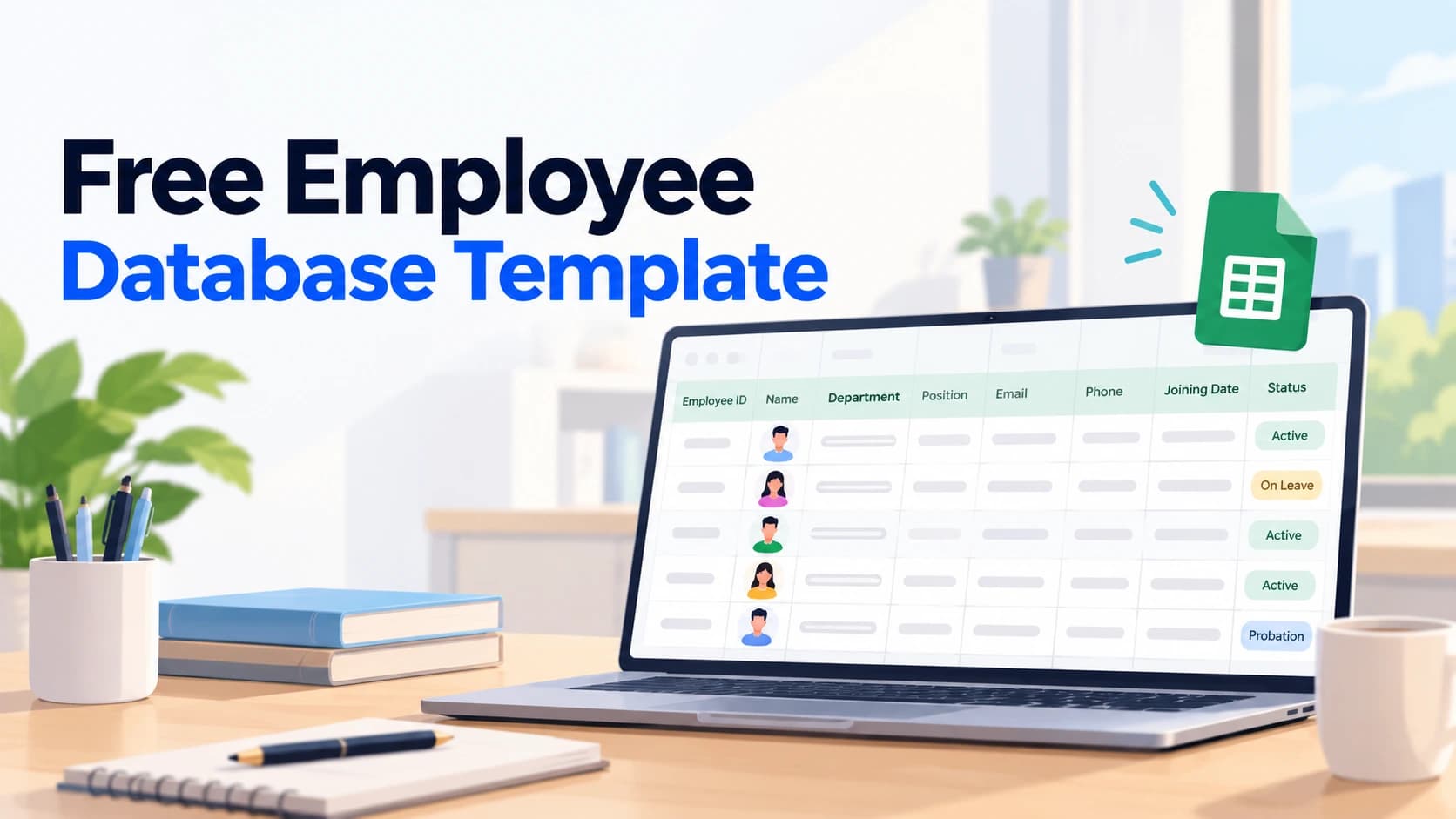
A free employee database template gives small businesses and HR teams a ready structure for storing employee records, personal details, employment data, and contact information, in a spreadsheet, without building the layout from scratch. It's a practical starting point for any company still managing employee data manually, before moving to dedicated software.
What This Template Includes
A solid employee database template should cover these core sections:
Personal details
- Full name
- Employee ID
- Date of birth
- Gender
- Contact number
- Personal email
- Emergency contact name and number
- Current address
Employment details
- Department
- Designation
- Reporting manager
- Date of joining
- Employment type (full-time, part-time, contract)
- Work location
Compensation and statutory details
- Bank account number and IFSC code
- PAN number
- PF/UAN number (if applicable)
- ESI number (if applicable)
Documents checklist
- ID proof submitted (Y/N)
- Address proof submitted (Y/N)
- Educational certificates submitted (Y/N)
- Offer letter issued (Y/N)
How to Set This Up in Excel or Google Sheets
- Create one row per employee, one column per field listed above
- Freeze the top header row so column names stay visible while scrolling
- Use data validation dropdowns for fields like Department, Designation, and Employment Type, this keeps entries consistent instead of relying on free text
- Apply conditional formatting to flag missing required fields (e.g., highlight in red if PAN or bank details are blank)
- Restrict edit access to HR only, and consider a separate view-only copy for managers who need to reference team data
Why a Spreadsheet Template Only Goes So Far
A template solves the immediate problem of having no structure at all, but it comes with real limits once a team grows:
- No access control, anyone with the file can see everyone's personal and salary-related data
- No audit trail, there's no record of who changed what, or when
- Manual updates are error-prone, a single incorrectly copied row can corrupt data for that employee
- No integration with payroll or attendance, the same data often needs to be re-entered elsewhere
These aren't reasons to avoid using a template now, they're just worth knowing as your team grows past the point where a spreadsheet can reasonably keep up. For a deeper look at what dedicated software adds on top of a spreadsheet, see what employee database software actually is.
When to Move Beyond a Spreadsheet
A rough signal: once a company crosses somewhere around 15-20 employees, or once more than one person needs to update records regularly, the coordination problems (version conflicts, accidental edits, no access control) tend to outweigh the simplicity of a spreadsheet. At that point, a proper employee database system, with role-based access and a real audit trail, becomes worth the switch.
Outgrown the spreadsheet already? Meagle 360 replaces it with a secure, searchable employee database, connected directly to attendance and payroll. Book a free demo →