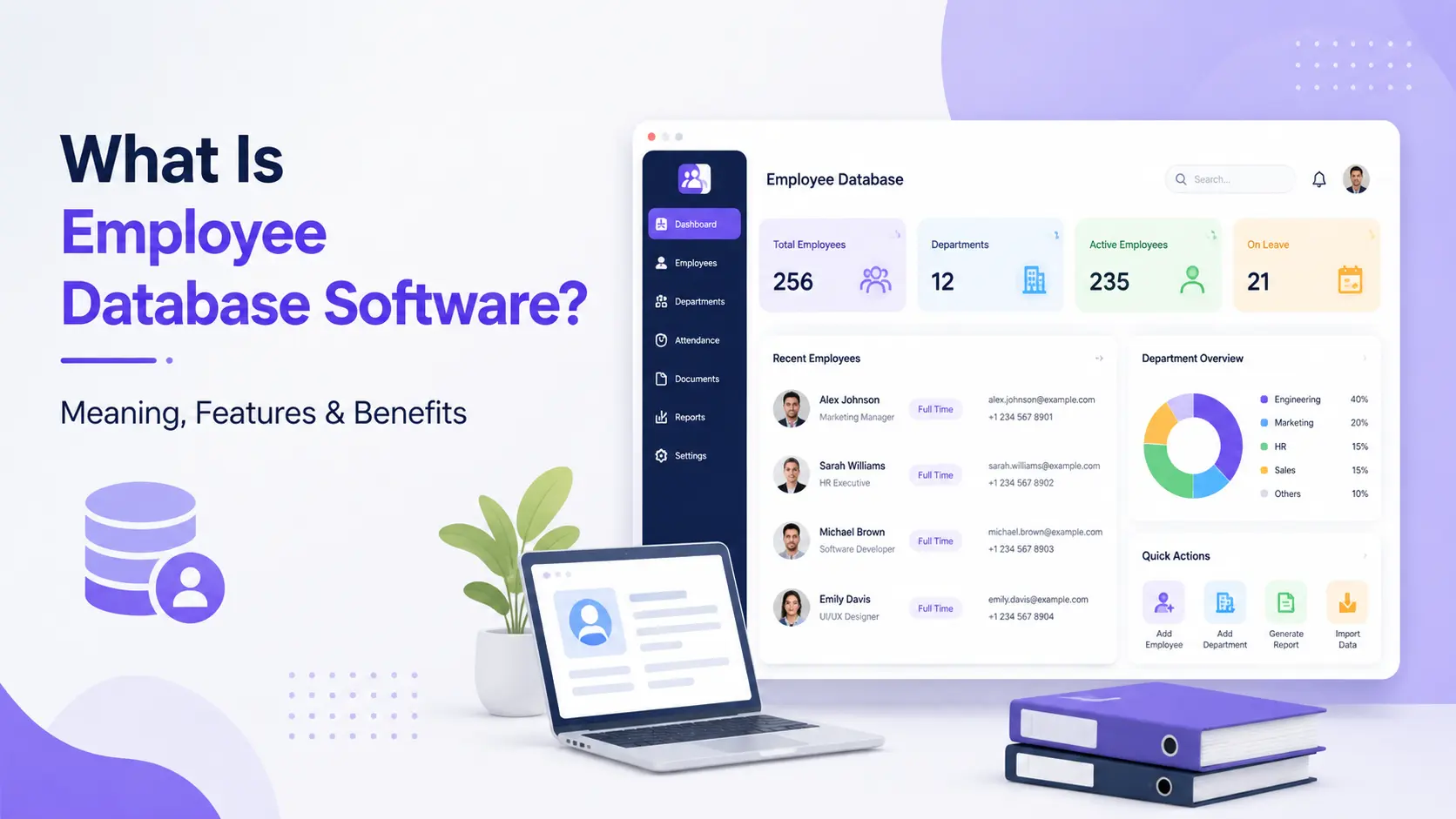
Employee database software is a centralized digital system that stores and organizes every employee's personal details, employment history, documents, and records in one secure, searchable place — replacing scattered spreadsheets, paper files, and disconnected tools. Also called staff database software or employee data software, it's the foundation most HR teams build their entire people-management process on.
What Does Employee Database Software Actually Store?
A proper employee record management system typically holds:
- Personal details — name, contact info, emergency contacts, date of birth
- Employment data — designation, department, reporting manager, joining date
- Compensation records — salary structure, bank details, tax info
- Documents — ID proofs, contracts, certifications, offer letters
- Attendance and leave history
- Performance reviews and appraisal records
- Exit records for former employees
Why Spreadsheets Stop Working
Most growing companies start with an Excel sheet for employee data. It breaks down fast because:
- No access control — anyone with the file can see everyone's salary and personal data
- No audit trail — you can't tell who edited what, or when
- Version chaos — multiple copies floating across emails and laptops
- No document storage — IDs and contracts live in separate folders, disconnected from the record
- Manual errors — formulas break, rows get deleted, data goes stale
This is exactly why "employee database software" and "staff database software" have become standard search terms — HR teams outgrow spreadsheets and go looking for a real system. Still on a spreadsheet for now? Start with our free employee database template and move to a real system once it stops keeping up.
Key Features to Look For
- Centralized, searchable records — find any employee's full profile in seconds
- Role-based access control — HR sees everything, managers see their team, employees see only their own data
- Document storage — contracts, IDs, and certifications attached directly to each employee profile
- Self-service updates — employees can update their own contact/bank details without emailing HR
- Audit logs — every edit is tracked, so compliance is never a guessing game
- Integration with payroll and attendance — the database should feed directly into payroll, not sit isolated
Employee Database Software vs Employee Record Management Software
These terms are often used interchangeably, but there's a subtle difference:
| Aspect | Employee Database Software | Employee Record Management Software |
|---|---|---|
| Focus | Storing and organizing live employee data | Managing the full lifecycle of records, including compliance retention |
| Typical use | Day-to-day HR operations | Audits, compliance, historical record-keeping |
In practice, most modern HRMS platforms — including Meagle 360's employee database module — do both in one connected system, rather than treating live records and compliance retention as separate tools.
How Meagle 360 Handles This
Meagle 360 combines employee database, attendance, payroll, and document management into a single HRMS — so your staff database isn't a standalone spreadsheet replacement, it's connected to everything else HR already does:
- Every employee has one profile — personal data, documents, attendance, and payroll history in one view
- Role-based permissions built in from day one
- Self-service portal so employees keep their own data current
- Automatic payroll calculations (PF, ESI, TDS, gratuity) pull directly from the same database — no duplicate data entry
See the full breakdown of what's included on the Employee Database Software page →
Still managing employee records across spreadsheets and scattered folders? Reach out to our team at info@meagle360.com or WhatsApp us, or book a 15-minute demo to see it in action.