Last updated: October 26, 2026. Meagle 360 publishes this page and sells attendance software, so we have tried to be fair about when biometric is the better choice.
Choose biometric attendance if everyone works from one fixed site and buddy punching (marking attendance for someone else) is a real problem. Choose app-based attendance if you have remote, field or multi-location staff, or you want to avoid buying and maintaining devices. Many teams use both.
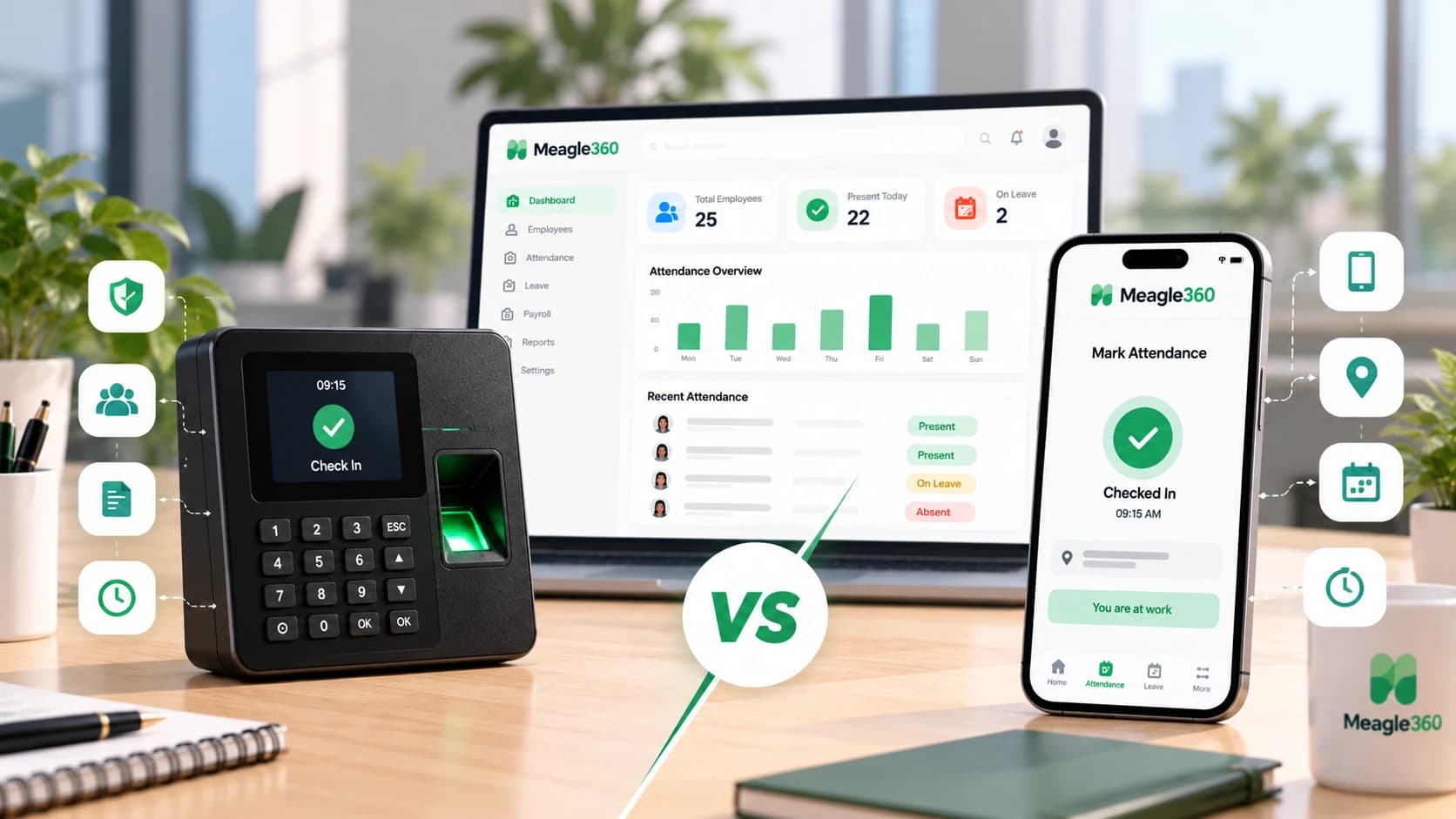
There is no single winner. The right choice depends on where your people work, how much hardware you want to manage and how much risk of proxy attendance you can live with. Here is how they compare.
Biometric vs App Attendance at a Glance
| Factor | Biometric (fingerprint or face device) | App-based (mobile app) |
|---|---|---|
| Upfront cost | Device purchase and installation per site | No hardware. You pay for software per user |
| Setup time | Days (buy, install, enrol every employee) | Hours (invite employees, they install the app) |
| Buddy punching | Hard to do, the main strength | Possible, unless you add selfie or device checks |
| Remote and field staff | Does not work | Works from anywhere |
| Multiple locations | Needs a device at each location | One system for all locations |
| Maintenance | Device failures, power, network, sensor wear | App updates, phone compatibility |
| Queues at peak time | Common at shift start with one device | None, people check in on their phones |
| Spoofing risk | Low. Fake fingerprints are rare | Fake GPS apps exist, so you need controls |
| Employee privacy concern | High (biometric data is sensitive) | Lower, but location data needs care |
| Works without internet | Often yes (stores locally, syncs later) | Depends on the app |
When Biometric Attendance Is the Better Choice
Pick biometric if most of these are true:
- All employees work at one site or a small number of fixed sites
- You run shifts with a rush at start and end times, and you need a fast punch-in
- Proxy attendance has already been a problem
- Your workforce does not carry smartphones, or you do not want to depend on them
- You are comfortable owning, repairing and replacing devices
Typical fits: factories, workshops, warehouses, schools, clinics with fixed staff, retail stores.
When App-Based Attendance Is the Better Choice
Pick app-based if most of these are true:
- You have sales, field, delivery, site or remote employees
- You have more than one small location and do not want a device at each
- You want to start quickly without buying hardware
- Your team is under about 50 people and you do not have anyone to manage devices
- You want attendance to feed leave and payroll without manual re-entry
Typical fits: agencies, IT teams, sales teams, service businesses, startups, hybrid teams.
The Honest Weak Points of Each
Biometric:
- A device fails, and attendance stops for that site until it is fixed
- Dirty or worn fingerprints cause failed scans, which means arguments at the gate
- Enrolment takes time for every new joiner
- Employees may be uncomfortable giving biometric data
App-based:
- Fake GPS apps can spoof location. Reduce the risk with selfie check-in, device binding (one phone per employee), geo-fence limits and manager review of exceptions
- Employees who forget to check in need a regularisation process
- Phones with low battery, no data or old software cause misses
A good attendance system handles these weak points with rules and reports, not by hoping they do not happen.
Privacy and Compliance: Do Not Skip This
- Biometric data is sensitive personal data. Under India's Digital Personal Data Protection Act, you need a lawful basis (usually clear consent), a stated purpose and reasonable security for the data you collect.
- Collect only what you need. Store the minimum biometric template, not raw fingerprint images, and do not use it for any other purpose.
- Location data also needs care. Track location at check-in time, not all day, and tell employees exactly what is tracked.
- Put it in writing. Add an attendance and data policy to your employee handbook. See our attendance policy template.
- Check with a legal adviser for rules that apply to your state and industry.
The Hybrid Approach
You do not have to choose only one.
- Use a biometric device at the head office or factory floor
- Use the app for field staff, remote days and visiting sites
- Feed both into one system, so leave and payroll see a single attendance record
The key is one system of record. Two separate attendance sheets bring back the month-end merging you were trying to escape.
See how attendance flows into payroll: Attendance management software
Cost: How to Compare Fairly
Do not compare a device price with a software price. Compare total cost over the same period.
Biometric cost  = (device price + installation) per site
                + maintenance and replacement
                + software for reports and payroll sync
App-based cost  = software price per user per month × employees
Then add the cost of mistakes: time spent merging attendance, disputed days and payroll corrections. For many small teams the app route is cheaper to start, and biometric becomes worthwhile as a single large site grows.
7 Questions to Decide in 5 Minutes
- Where do your employees work: one site, several sites, or anywhere?
- Is proxy attendance a proven problem or only a worry?
- Do your employees have smartphones they can use for work?
- Who will look after devices if you choose biometric?
- Do you need attendance synced with leave and payroll automatically?
- How will you get employee consent and explain data use?
- Can you start small (one site or one team) and expand?
If you answer "anywhere", "worry only", "yes", "nobody" and "yes", go app-based. If you answer "one site", "proven problem", "no" and "we have someone", biometric is the safer choice.
What Matters More Than the Method
Whichever method you choose, the system should:
- Apply your shift, late mark and half-day rules automatically
- Let employees request corrections with manager approval
- Link attendance to leave, so leave days and attendance do not conflict
- Send attendance straight into payroll so salary reflects what actually happened
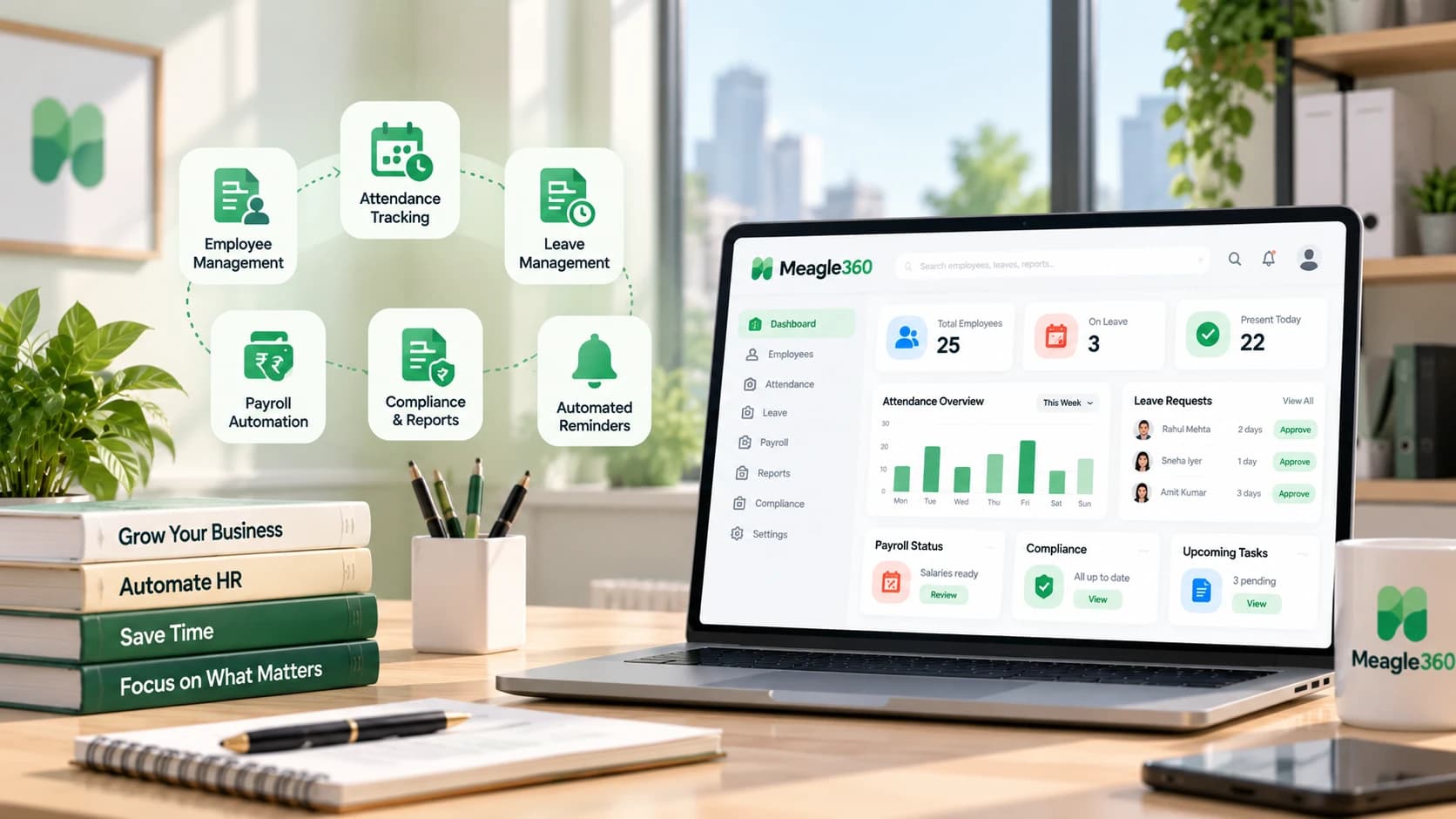
Meagle 360 connects attendance to leave and payroll in one place. See attendance management software, and read how payroll runs from attendance data.
Meagle 360 supports geo-tagged mobile check-in and biometric device integration, so attendance from the office and from the field lands in one record.
Want attendance that feeds leave and payroll without month-end merging? Meagle 360 connects attendance, leave and payroll in one system, at a flat ₹149 per user per month. Book a free demo